Back to School - 50% Sale!
ArtRage Vitae
Windows & macOS
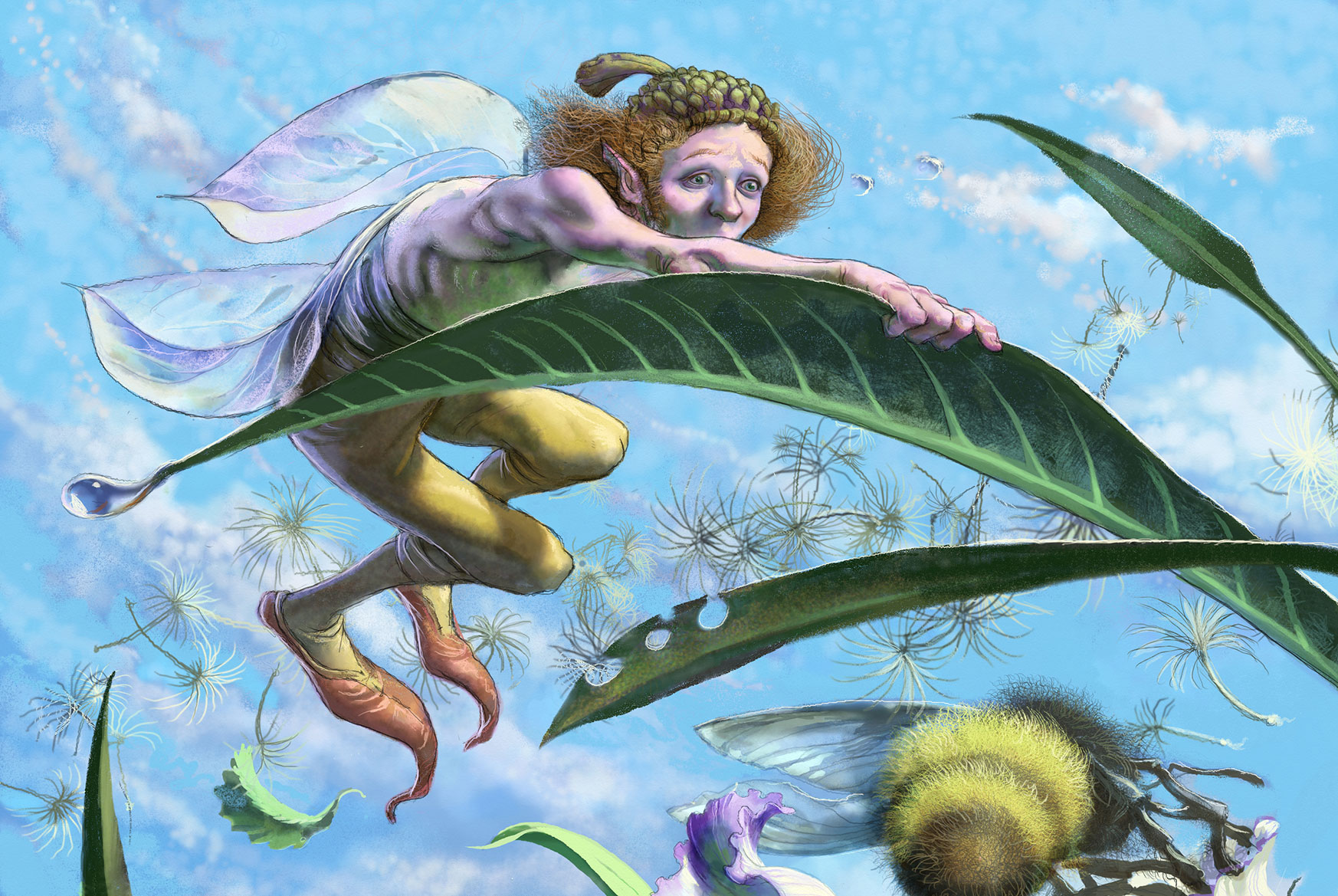
Our flagship product. The ultimate in realistic painting tools, textures, and color blending. Find Out More

50% Sale Ends August 8 UK time
ArtRage Vitae Mobile
iOS & Android
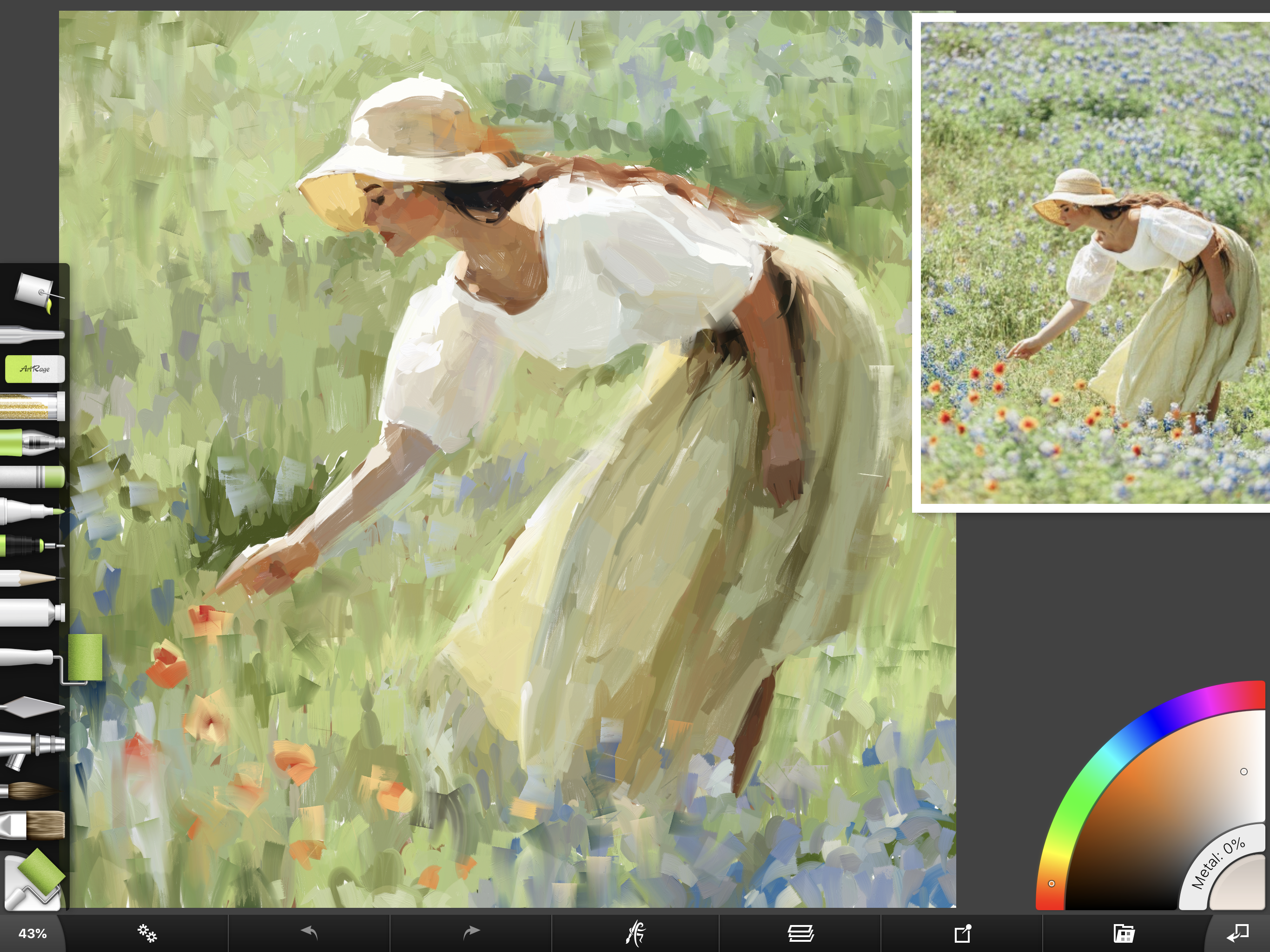
The premium natural painting app for tablet/phone

$4.99
Back to School - 50% Sale!

ArtRage Vitae
Windows & macOS
Our flagship product. The ultimate in realistic painting tools, textures, and color blending. Find Out More50% Sale Ends August 8 UK time

Back to School - 50% Sale!

ArtRage Vitae
Windows & macOS
Our flagship product. The ultimate in realistic painting tools, textures, and color blending. Find Out More50% Sale Ends August 8 UK time
Back to School – 50% Sale

ArtRage Vitae Desktop


Unleash your creativity!
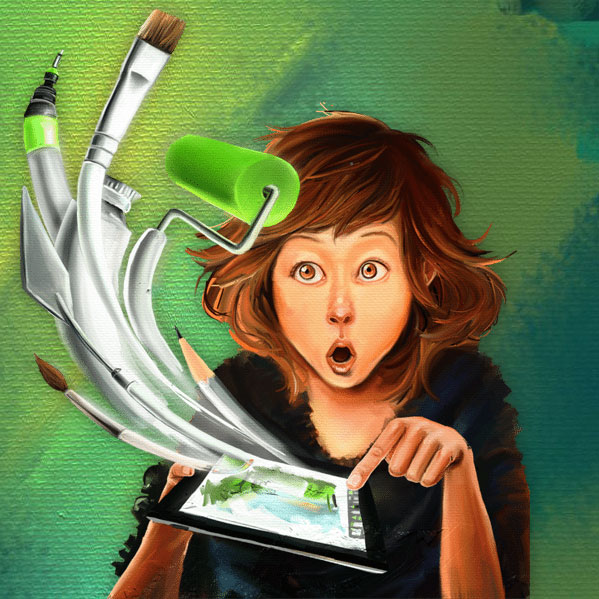
Paint whatever you can imagine, wherever you go, however you want.
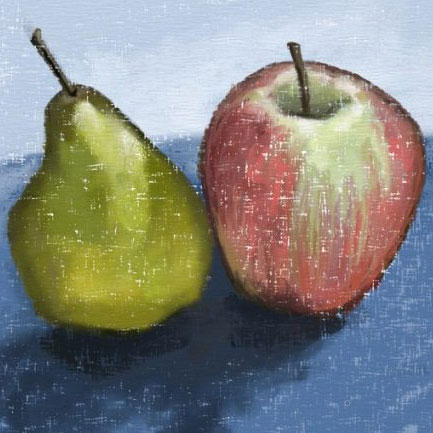
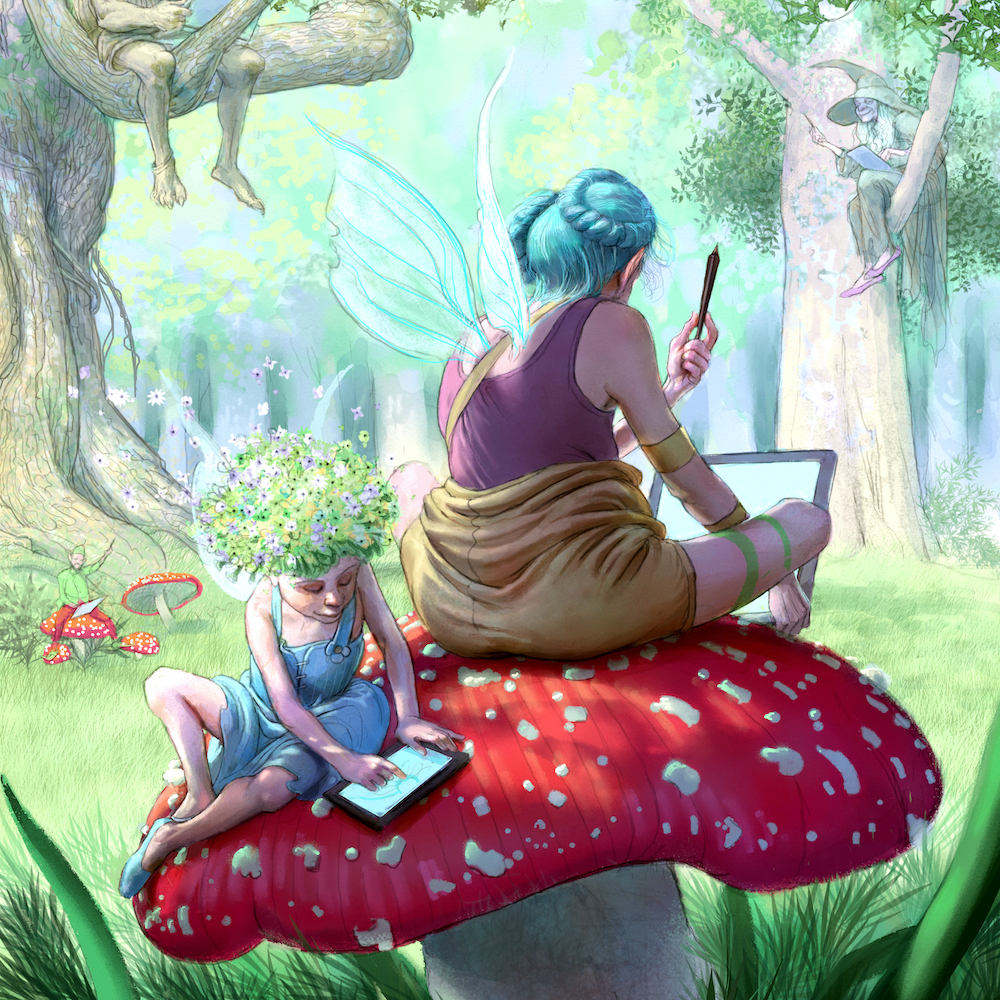
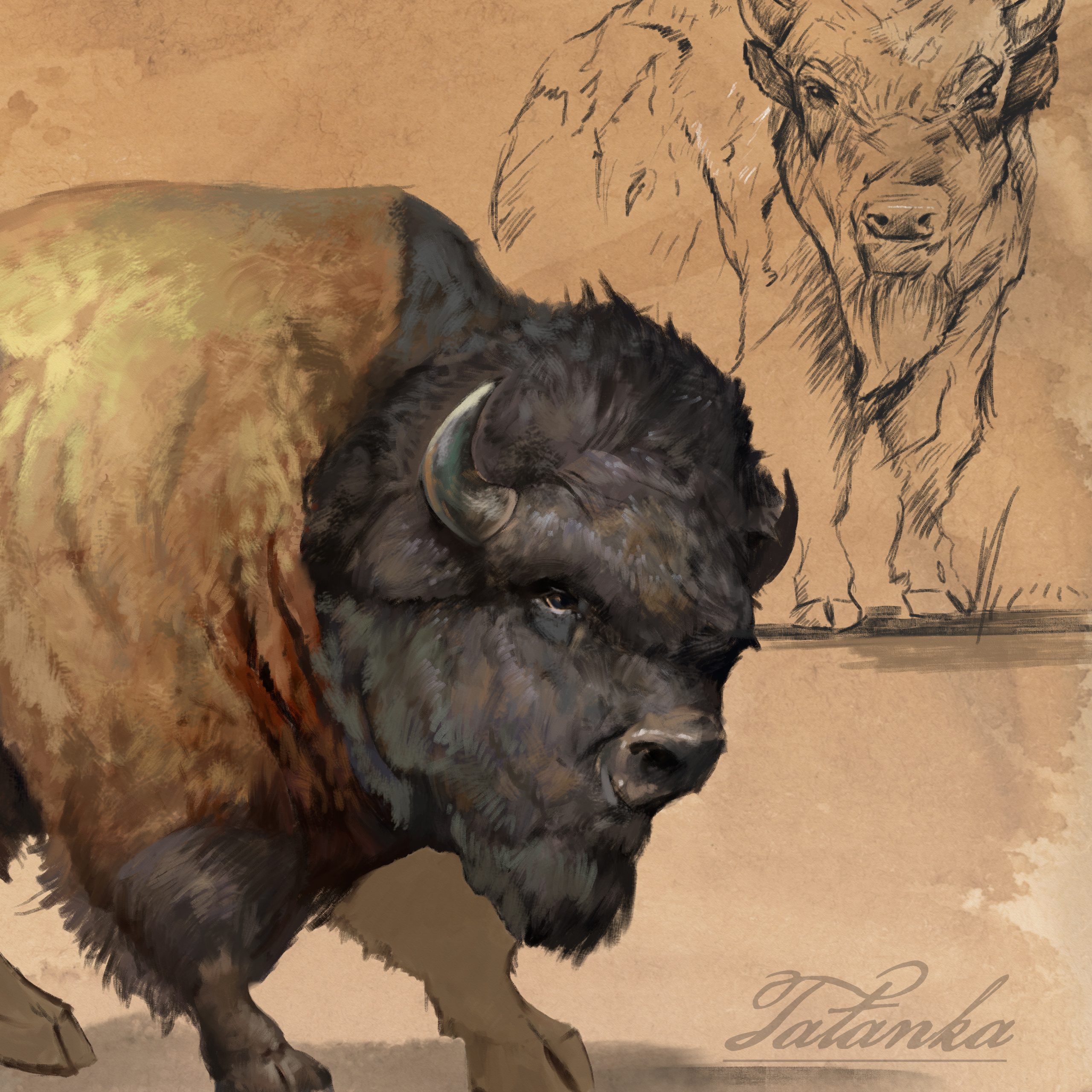
ArtRage Vitae Desktop is a digital artist’s studio with a full range of familiar tools that look and work like the real things. It’s a canvas for thick, expressive oils and delicate watercolors, a sketchpad with a full set of pencils, and a sheet of paper with a stack of wax crayons all in one.- Smear and blend thick oils to create natural color gradients.
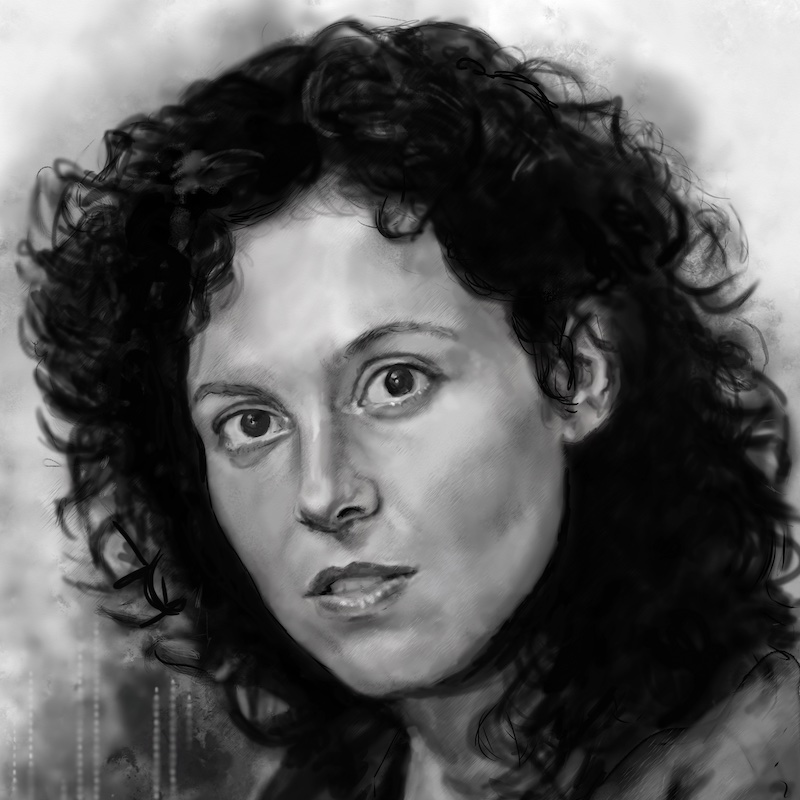
- Sketch with pencils and shade with the edge of the tip.
- Create delicate watercolor strokes that react to canvas texture.
- And much more, without any fuss!
- ArtRage Vitae is the perfect creative tool for anyone, kids to adults, amateurs to professionals.

ArtRage Vitae Desktop
50% Sale Ends August 8 UK time